

Square has no way for an outside tax engine to set the tax at the register, so the tax on your Square sales comes from the tax rates you set up in Square. Numeral does not calculate tax on Square orders. It records the orders and the tax Square charged on them.
Before you start
- A Numeral account at dashboard.numeralhq.com
- The owner login for your Square account, or a team member login with permission to authorize apps
- A business address on each Square location (Square → Settings → Locations). Numeral uses it to place in-person sales, so check that every location’s address is complete.
Connect Square
- In Numeral, go to Connections and click Add connection.
- Search for Square and select it.
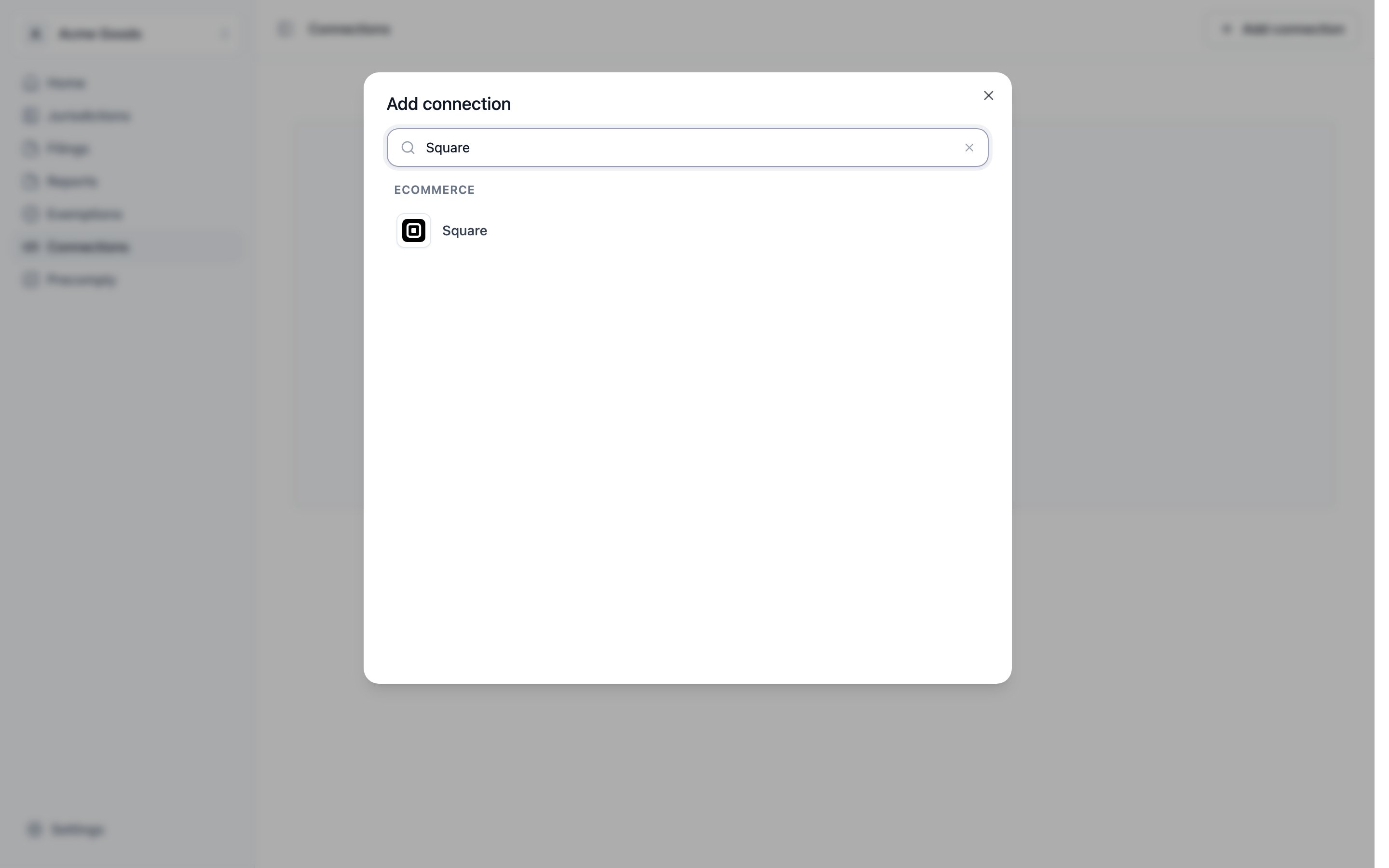
- A secure connection window opens. Sign in to Square and approve access for Numeral. If you manage more than one Square business, sign in with the one you want to connect.
- When the window closes, you are back on the Connections page.
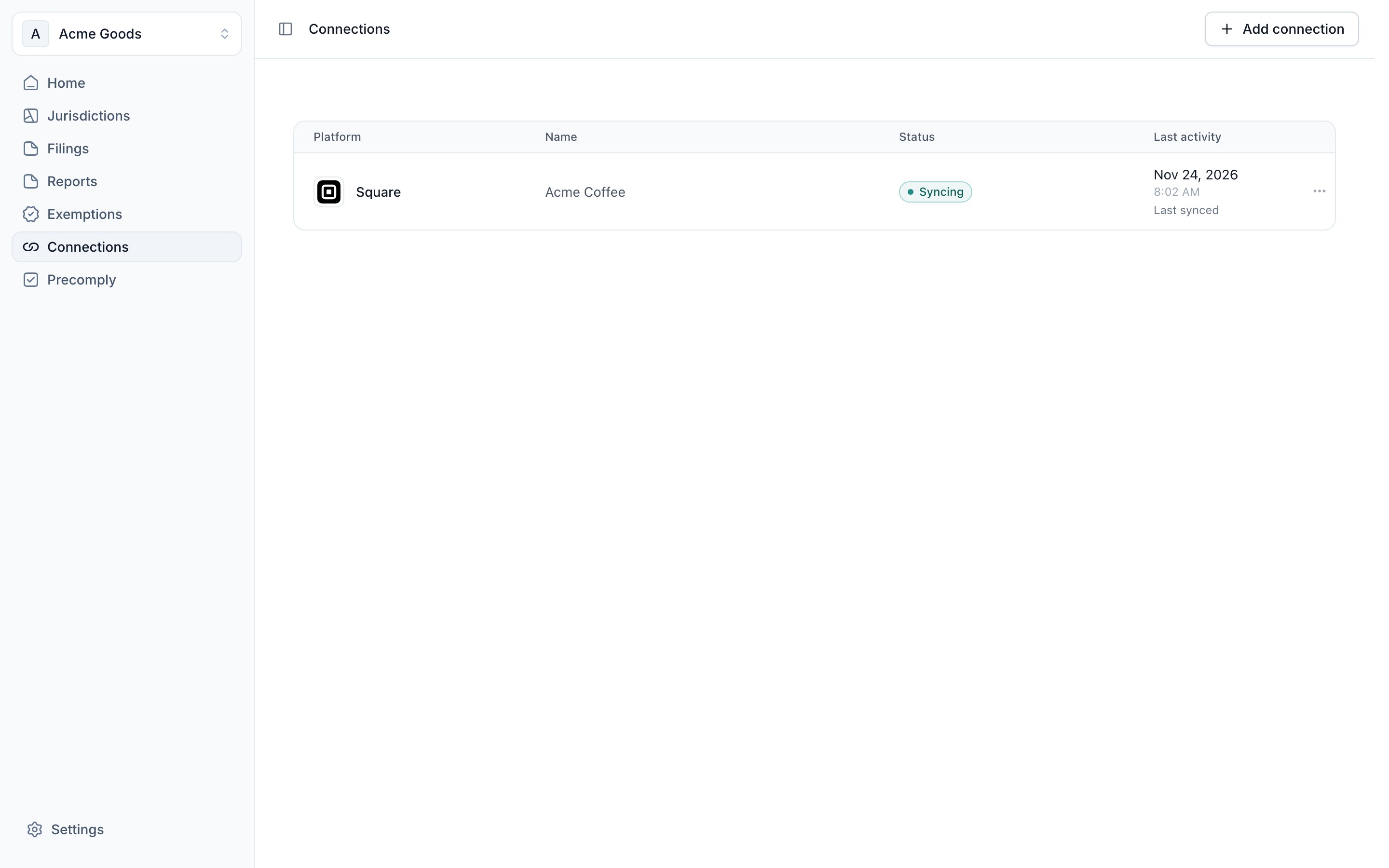
Your Square connection shows as Syncing. Numeral has started importing your order history.
How the integration works
Initial import. When you connect, Numeral imports your full Square order history, along with the addresses of your Square locations. For a business with years of sales, the first import can take a while. Ongoing updates. After the initial import, new and updated orders reach Numeral as Square reports them, and a full refresh runs at most once a day. Where a sale took place.- In-person sales (the Square register, or a card-present sale with no shipping or delivery) are placed at the location that made the sale.
- Shipped, delivered, and online sales use the customer’s shipping address.
- Orders are counted once they are paid, by card, cash, gift card, digital wallet, or another tender. Draft and canceled orders are excluded.
- Item discounts are taken from Square.
- Shipping and Delivery service charges are recorded as shipping, with the tax Square charged on them.
- Tips and other service charges are not counted as sales.
- Gift card sales are recorded as gift cards, not as taxable goods.
Product categorization
Product categories in Square do not carry over to Numeral. Categories are set up directly in your Numeral account. During onboarding, your Onboarding Manager will help set up initial product categories in Numeral and show you how to manage them going forward.Troubleshooting
"There was an issue connecting a store through Rutter. Please contact support."
"There was an issue connecting a store through Rutter. Please contact support."
Square authorized the connection, but Numeral could not finish setting it up. Contact support through the messaging widget, and include the name of your Square business.
My connection shows "Your connection stopped syncing"
My connection shows "Your connection stopped syncing"
Square stopped accepting Numeral’s access, most often because the app was removed or access was revoked in Square. Click Reconnect on the connection and approve access again. If that doesn’t work, contact support.
In-person sales are placed in the wrong state
In-person sales are placed in the wrong state
In-person sales use the address of the Square location that made the sale. Check the location’s address under Settings → Locations in Square. A corrected address applies to sales from the time Numeral next syncs.
How do I disconnect Square?
How do I disconnect Square?
On the Numeral Connections page, open the menu on the Square connection and click Disconnect. Numeral stops importing new orders. To bring it back, you would connect Square again from the start.