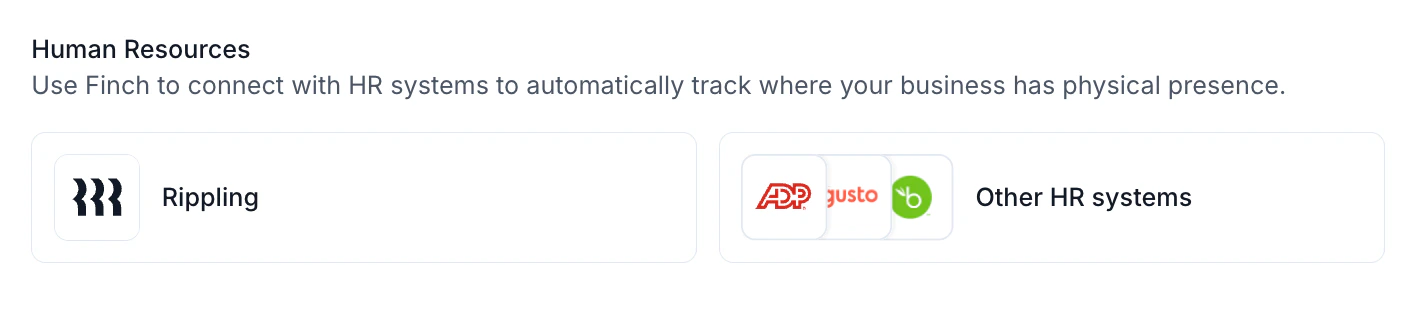
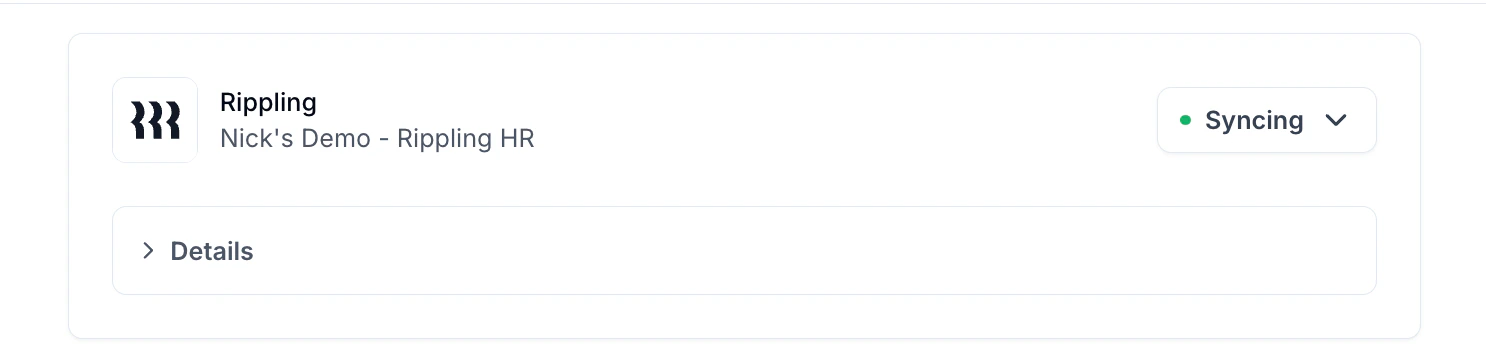
Connect your HR system to Numeral to automatically track physical nexus and stay compliant with state sales tax requirements.
If your company has employees, offices, or warehouses across the US, you may have physical nexus in those locations—and could be required to collect and remit sales tax. As your business grows, tracking these obligations can become complex.
Numeral uses Finch, a secure platform with end-to-end encryption, to connect your payroll and HR systems to Numeral. Your credentials are never shared with our team.
Once connected, Numeral automatically detects when new employees or physical locations create nexus obligations and notifies you so you can stay compliant.
Once connected, your physical nexus data is tracked in Numeral under Settings > Physical Presence. Nexus information is automatically updated based on changes in your HR system, keeping your compliance current without any manual effort.When you add employees or open new locations in a state where you’re not currently filing sales tax, Numeral will notify you to register in that jurisdiction.
Review your Physical Presence settings on a regular basis to ensure all new locations and employees are being tracked correctly.