How Numeral Works
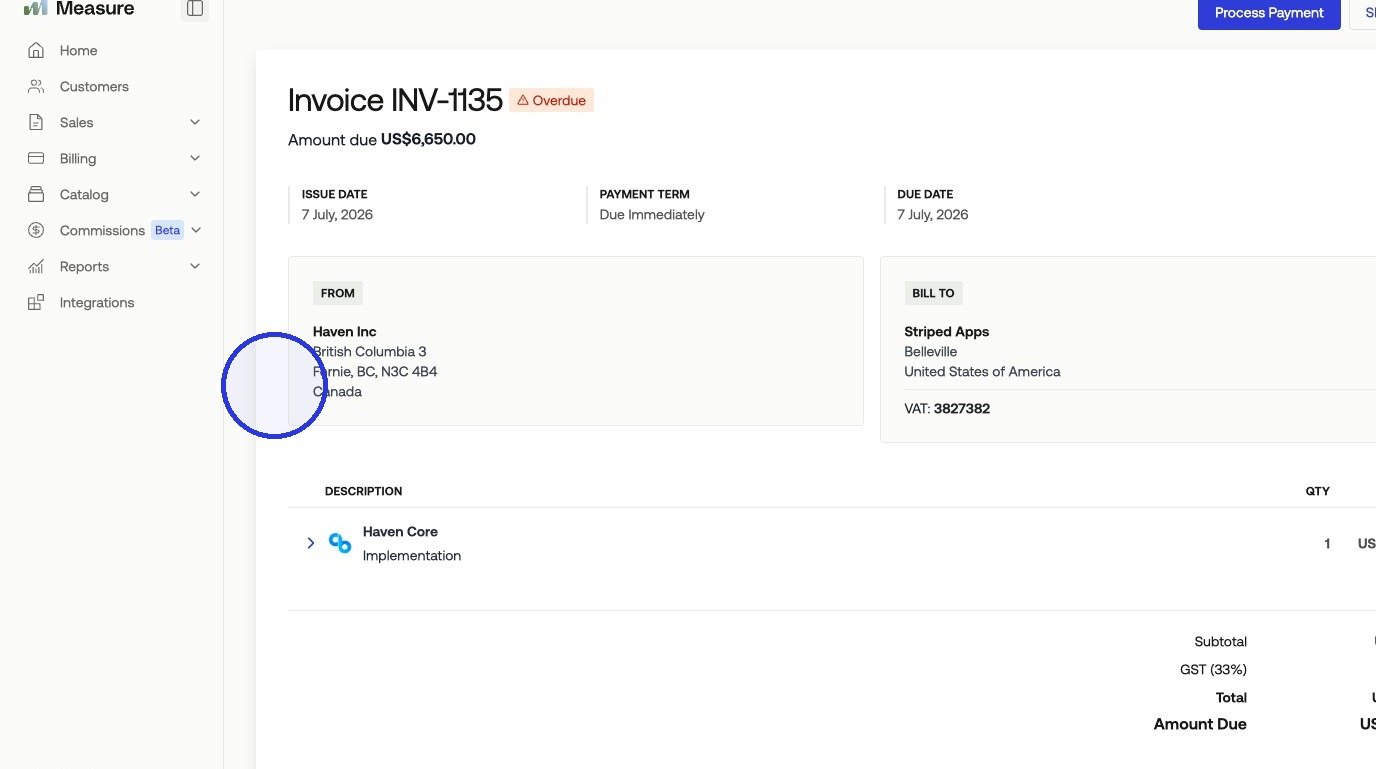
Numeral calculates tax rates automatically based on two inputs: the product’s tax category and the customer’s billing jurisdiction. You assign categories to your products in Numeral, and Numeral handles the rate calculation. Numeral only collects tax in states and provinces where your company is registered. Once products are mapped between Numeral and Measure, every invoice line item using those products will include the correct tax amount.1. Connecting Numeral to Measure
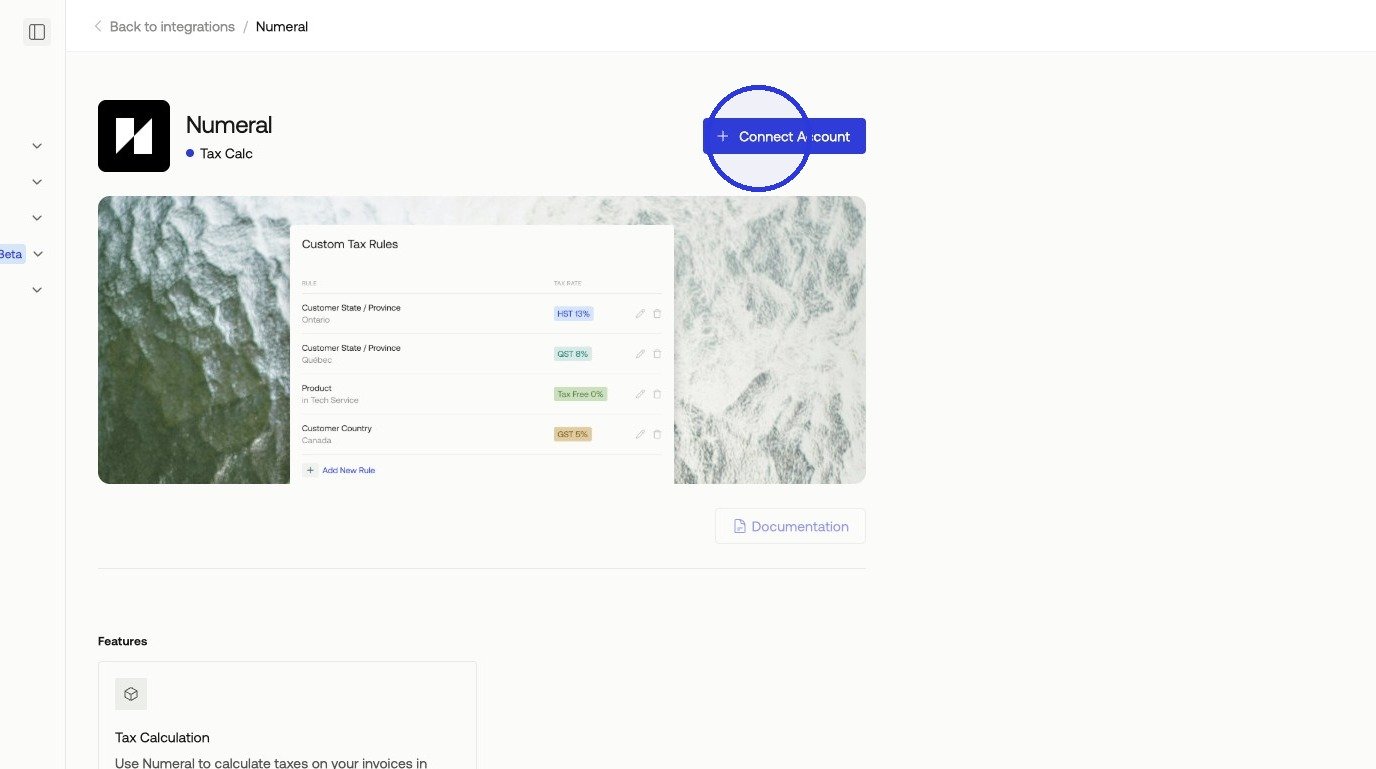
Step 1. In Measure, navigate to Integrations and select Numeral > Connect Account.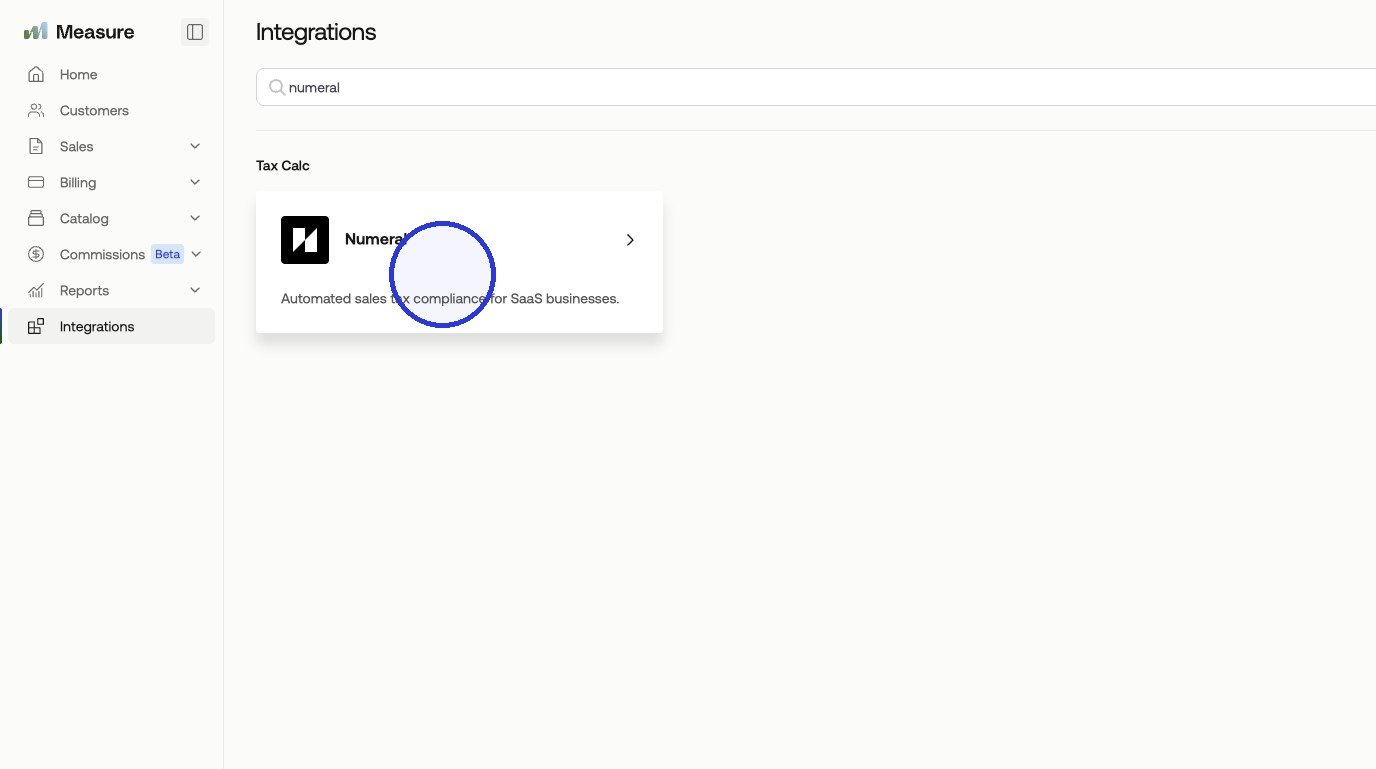
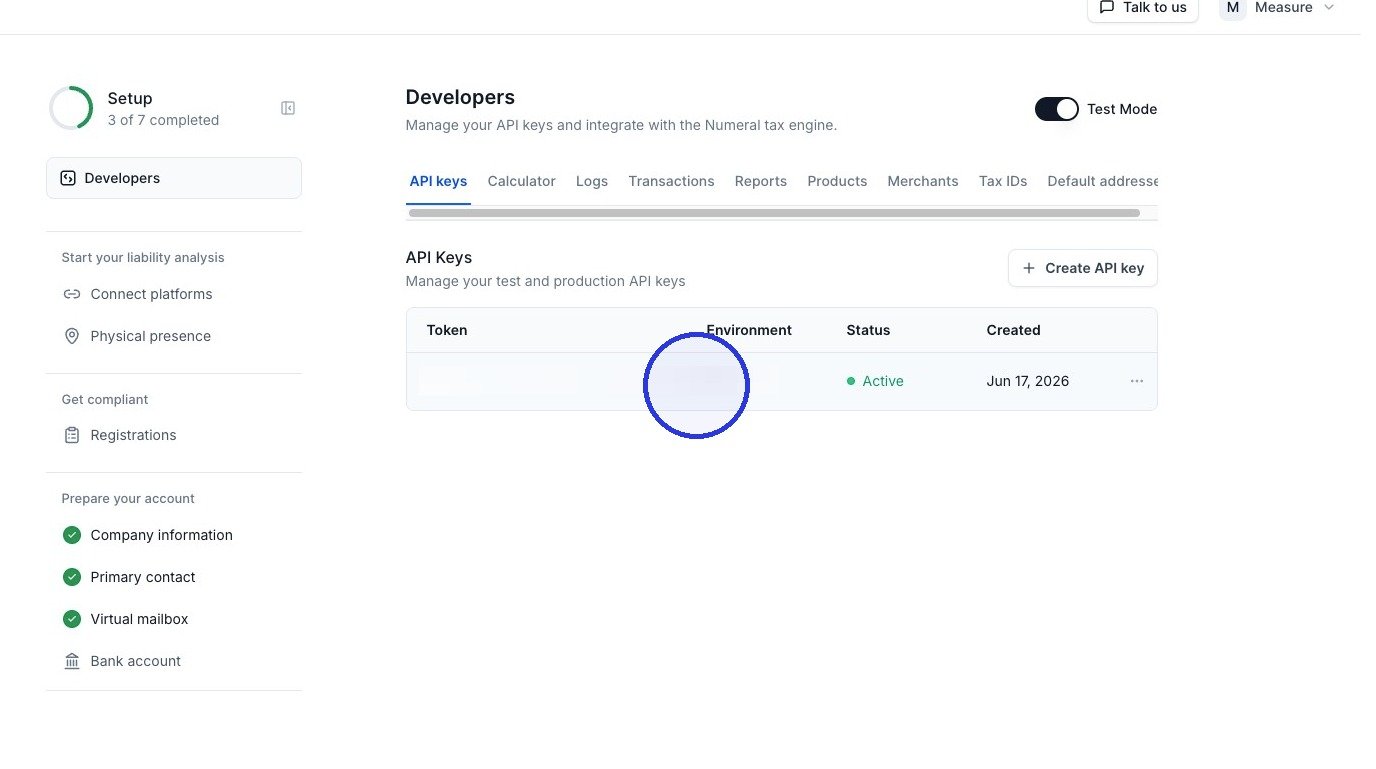
Test vs. production API keys
Numeral issues two keys, both available in the Developers tab of your Numeral dashboard. Test keys begin withsk_test_ and production keys begin with sk_prod_.
A test key does not factor in your current compliance picture when calculating or posting transactions. As such, it will return real rates for all jurisdictions regardless of registration status. Also, the resulting transactions are recorded as test data and stay separate from your live transaction history so as to not effect your nexus thresholds.
Start with the test key. Once your product mapping is done, issue a few sample invoices across different product categories and customer states, then confirm the tax amounts look right. Catching a mis-mapped category or a missing registration in the sandbox is far cheaper than catching it after a real invoice has gone out, which means reissuing the invoice and correcting the customer’s tax.
When the calculations look correct, swap the test key for your production key (sk_prod_) at go-live. Nothing else about the setup changes.
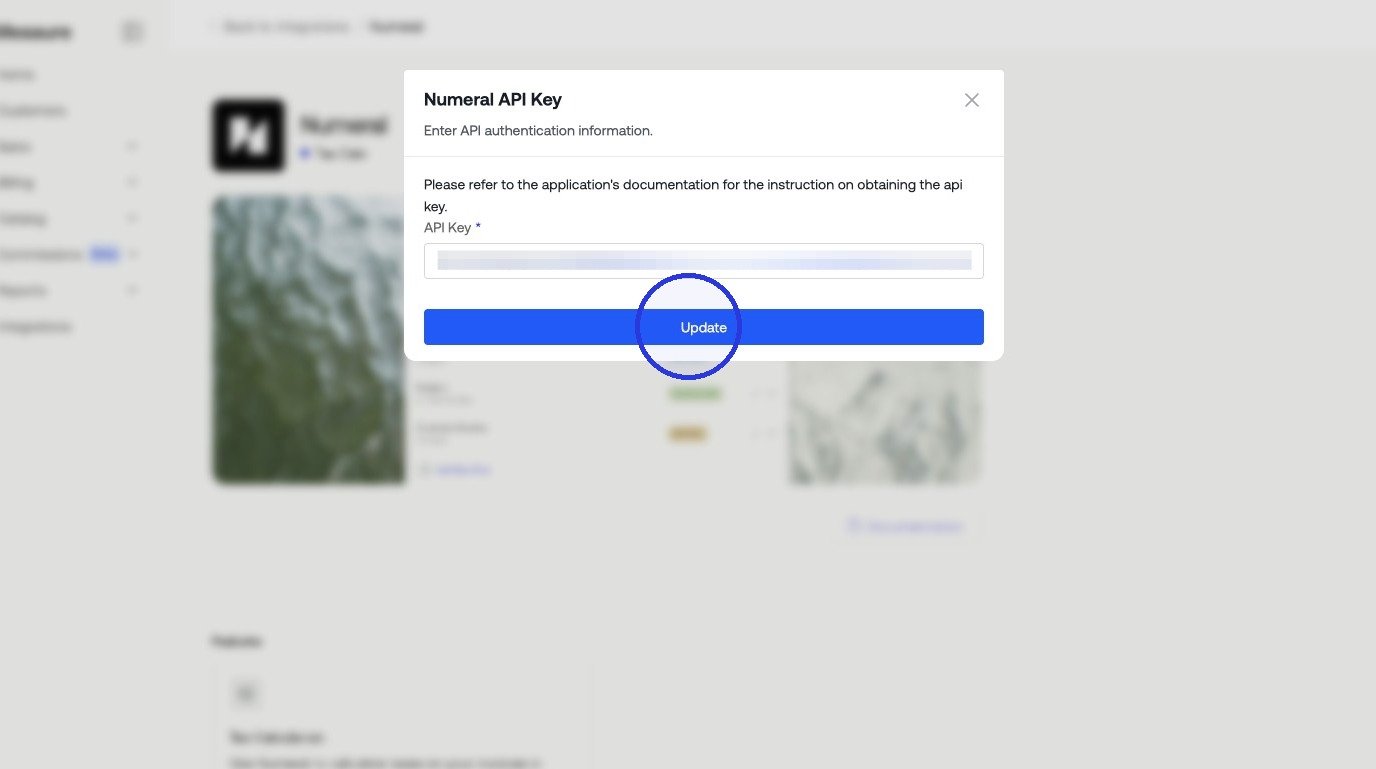
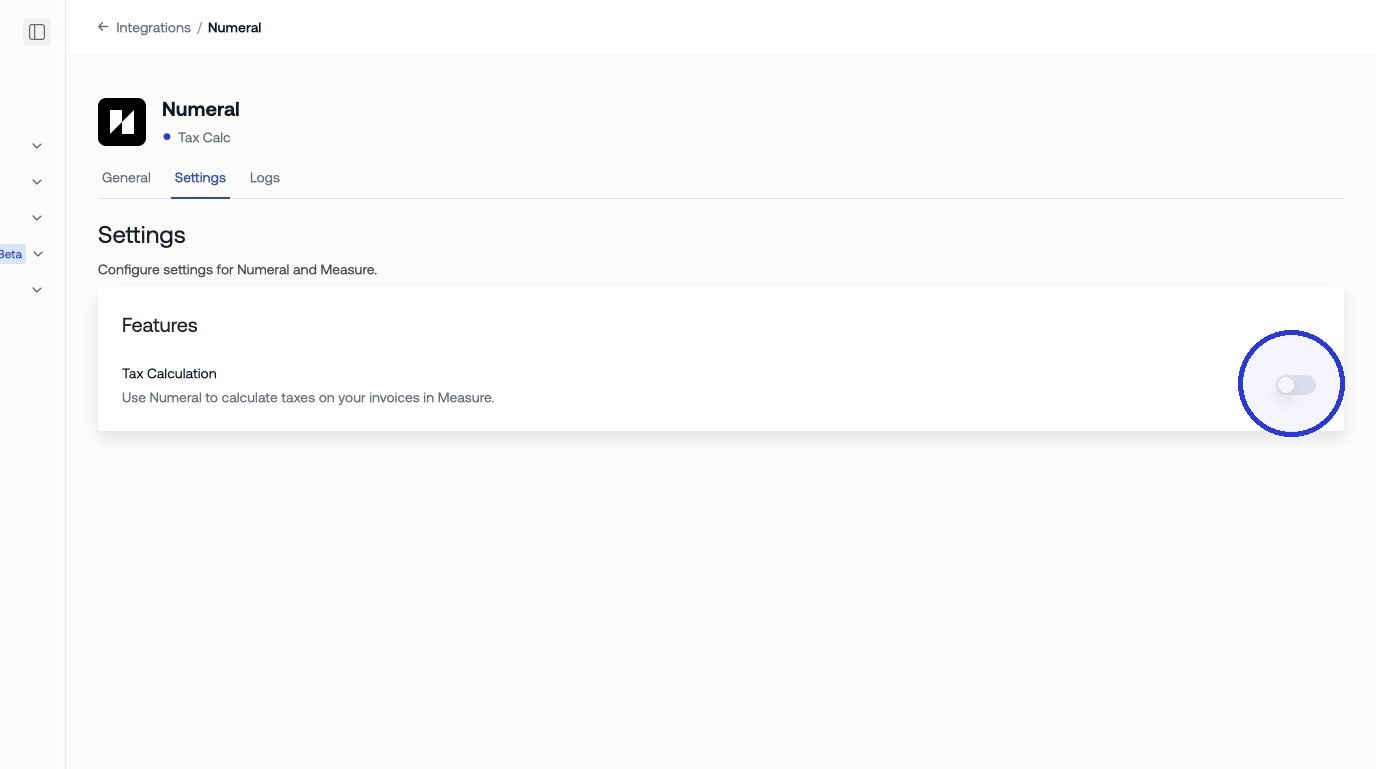
Step 3. Paste the API key into the Numeral integration page in Measure.
2. Configure Products in Numeral
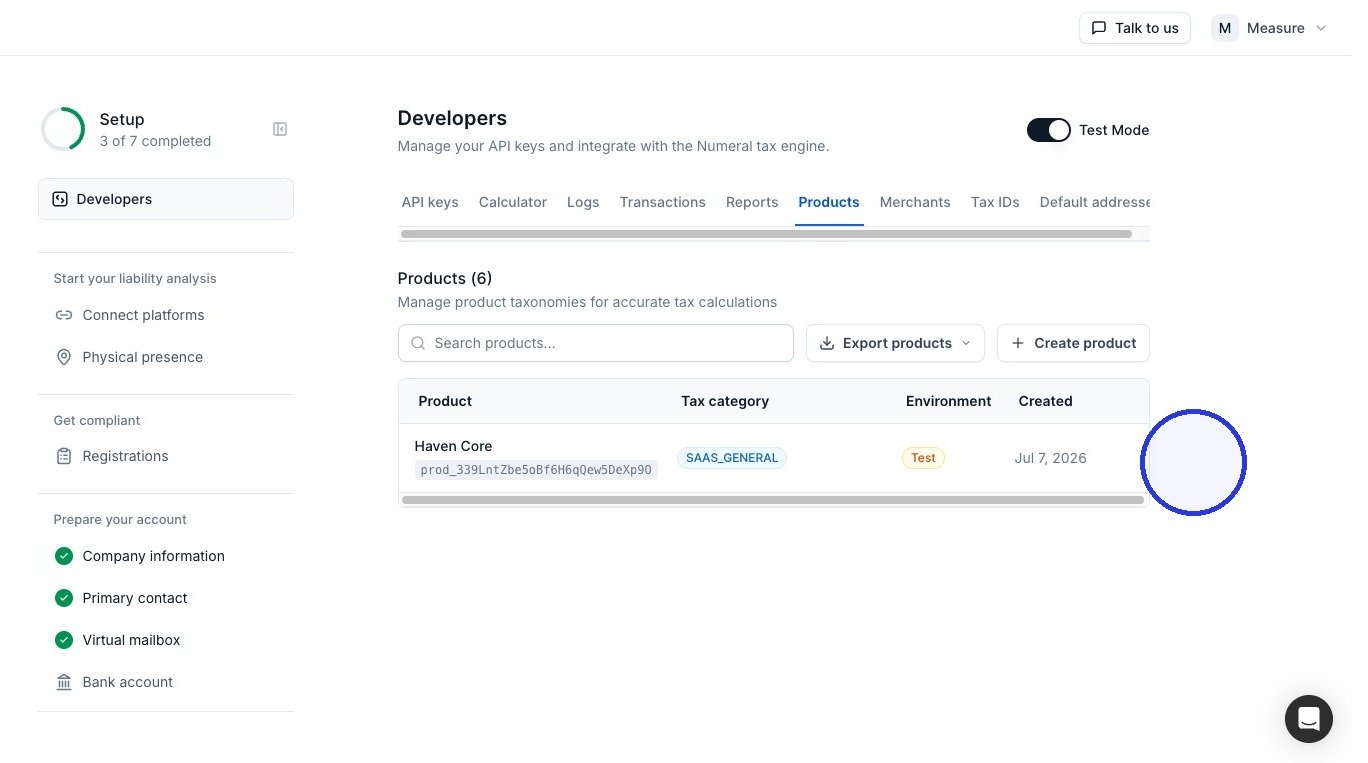
Before mapping products in Measure, make sure your products exist in Numeral and have a tax category assigned. Tax categories tell Numeral how to classify each product for tax purposes, for example, SaaS software, professional services, or digital goods.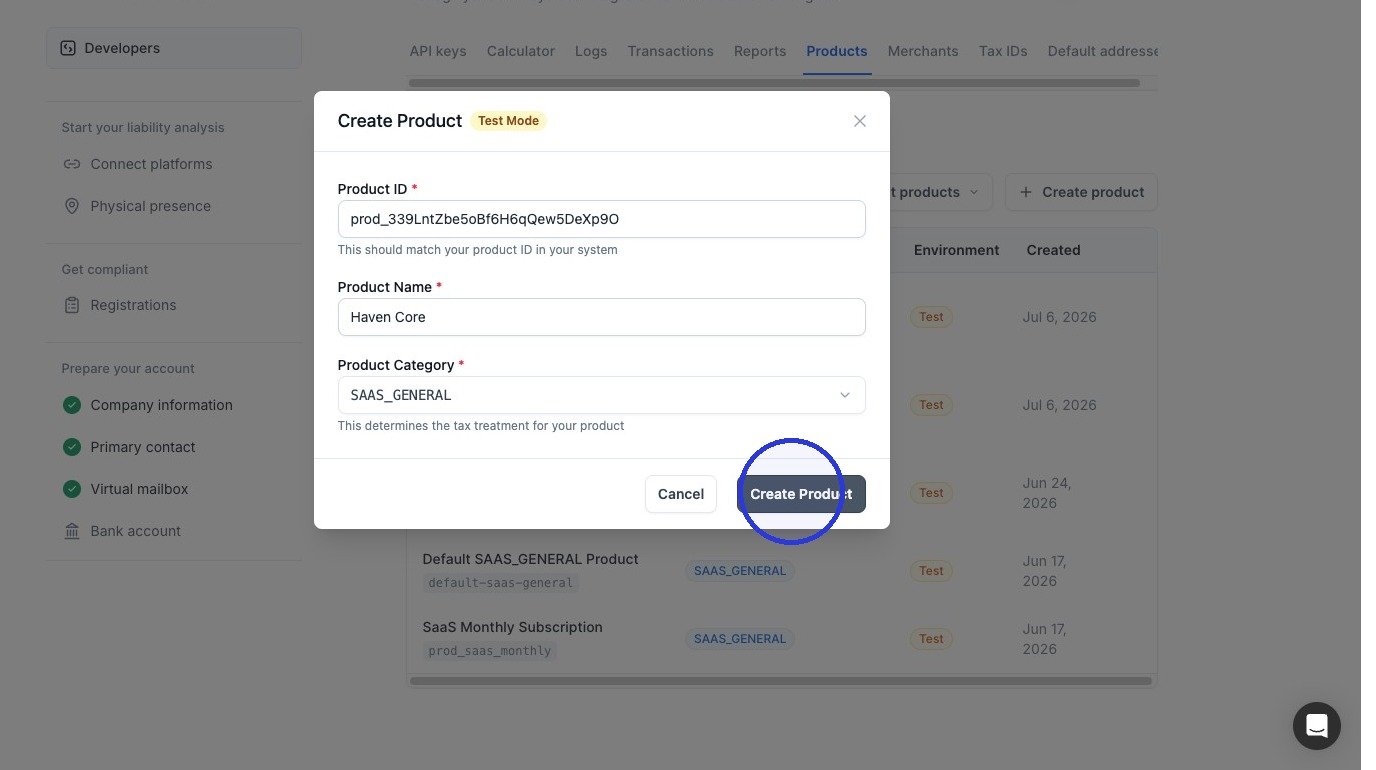
3. Map Products in Measure
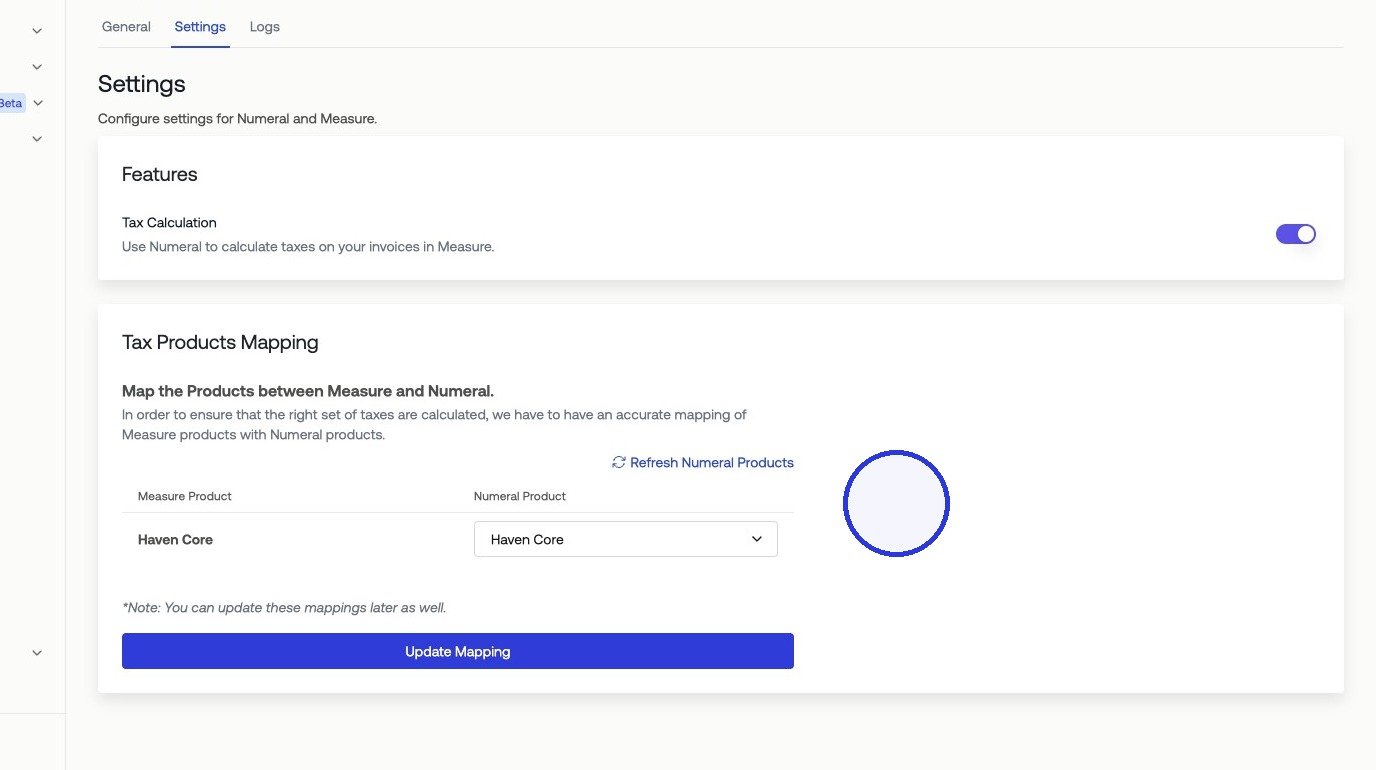
On the Numeral integration page in Measure, you will see a list of your products. For each product, select the corresponding Numeral product to link them. When all mappings are set, click Update Mapping.