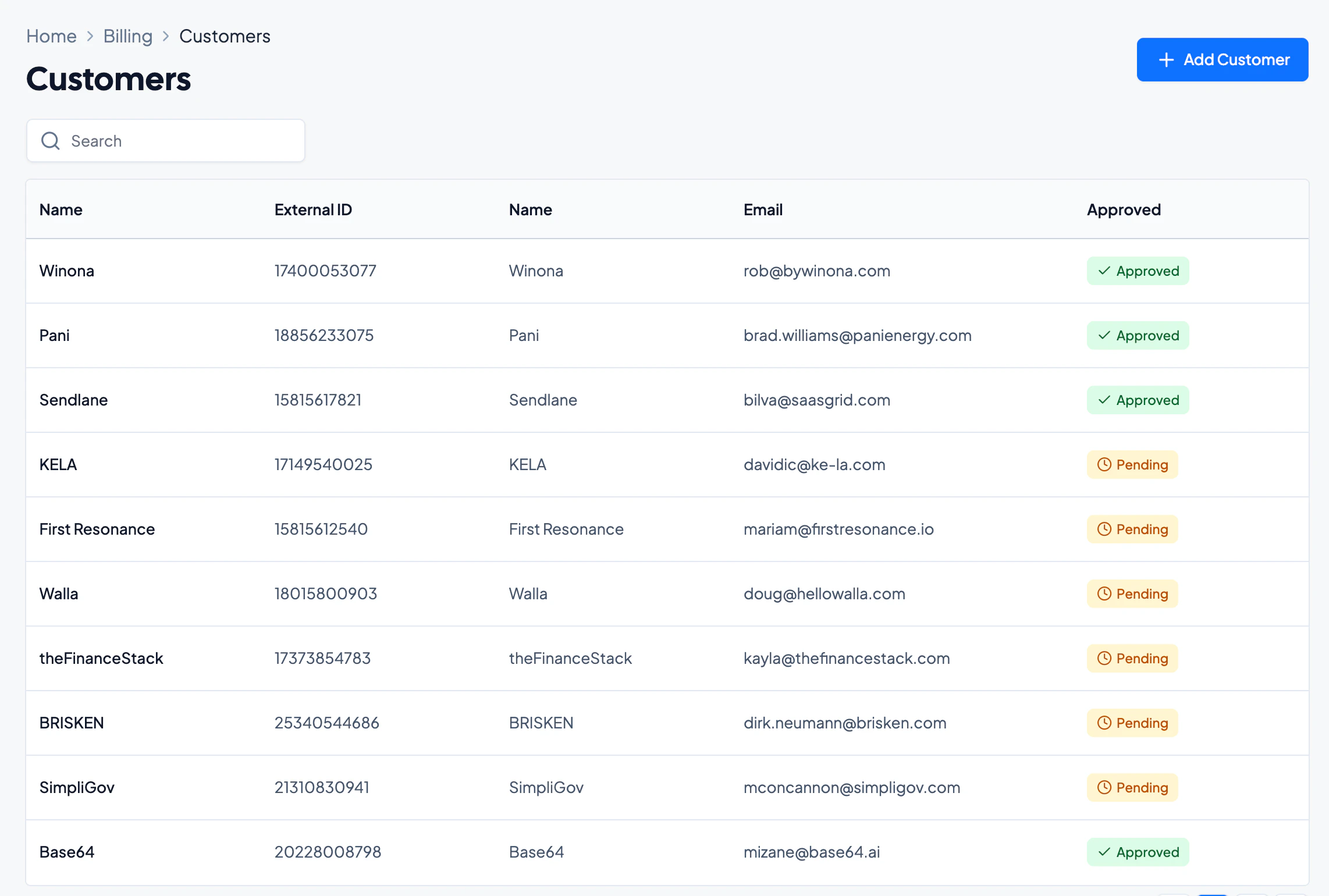
Configure before approving contracts. Before sending invoices, fully configure the Numeral integration settings. Contracts approved before the integration rules are in place will not inherit those rules, and recurring invoice line items will be set to Exempt — changes would have to be made manually.
Numeral Integration Settings
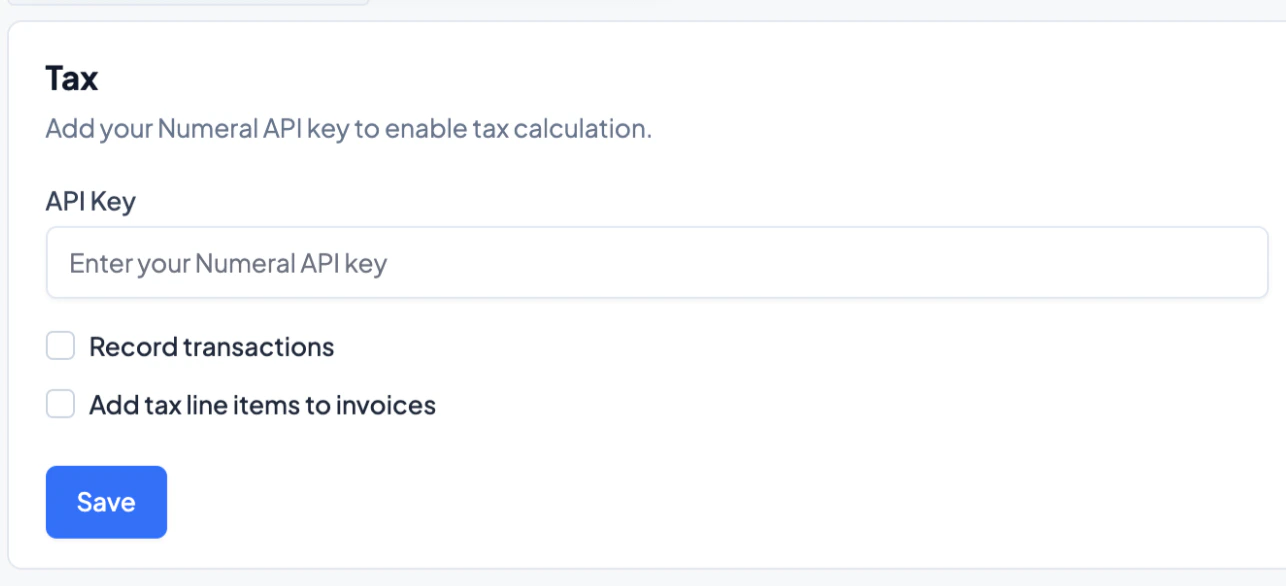
Navigate to Billing > Settings and select the data source to connect to Grid Billing. On the main page, enter the Numeral API key and choose from the following:- Record transactions — ensures all transaction details are recorded within Numeral.
- Apply tax line items — appends tax line items to all automatically created invoices, determined by the configured Product Mappings.
Product Tax Category Mapping
In the table below the toggles, specify the tax category for each product within a contract. These serve as the default for both automatic and manual invoices and may be manually overridden for individual transactions.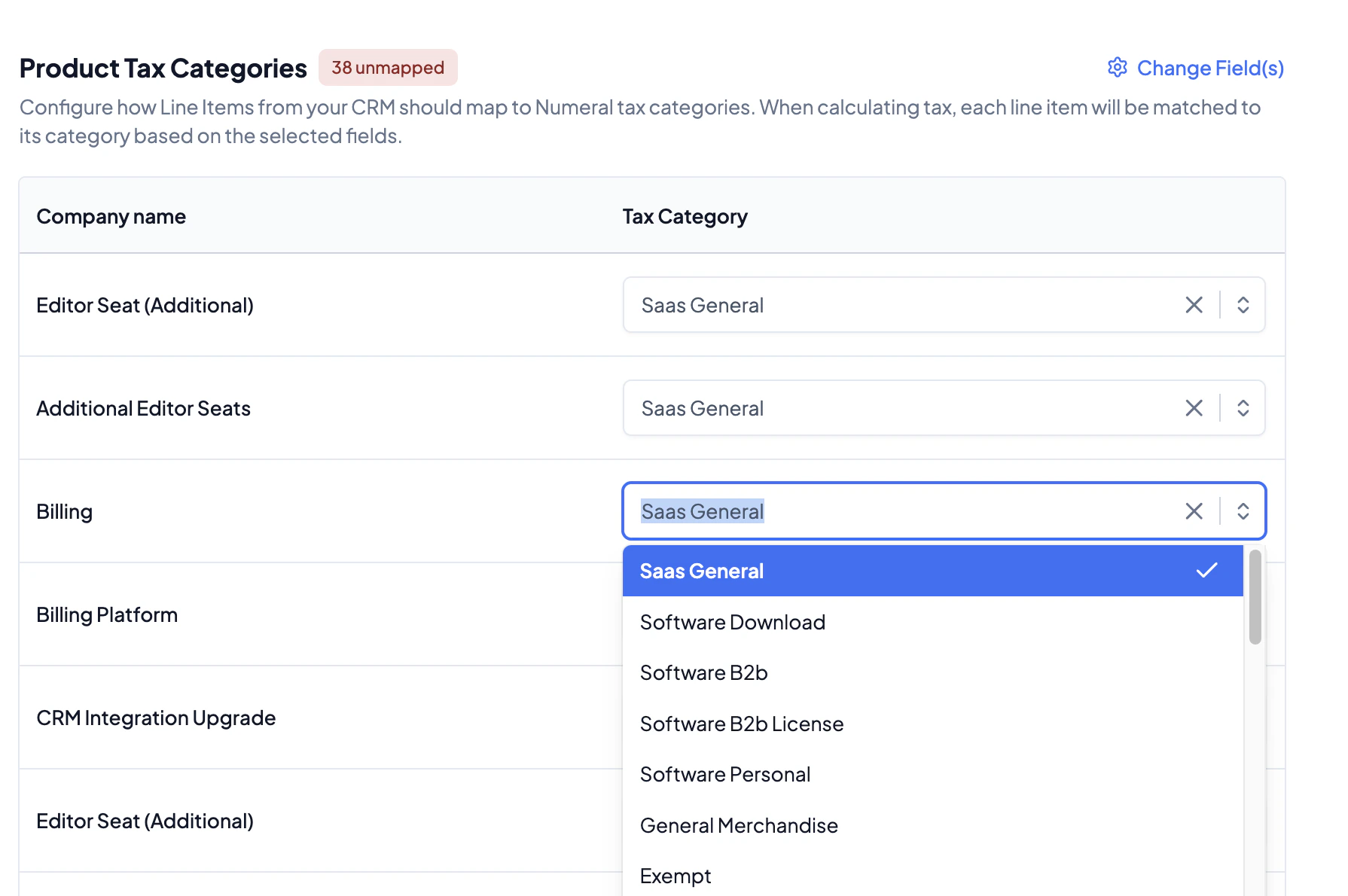
Change Field
Use the Change Field feature to specify the attribute that dictates different tax categories. Generally, product names are the recommended field.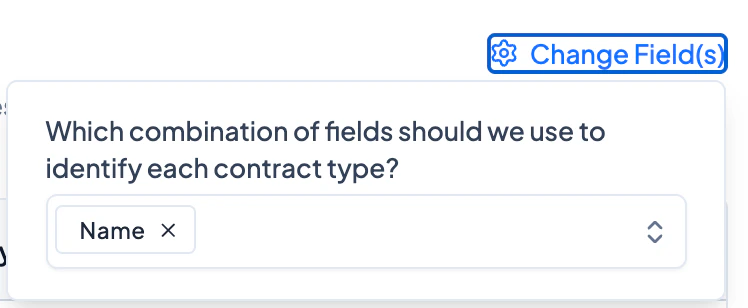
Contract and Invoice Settings
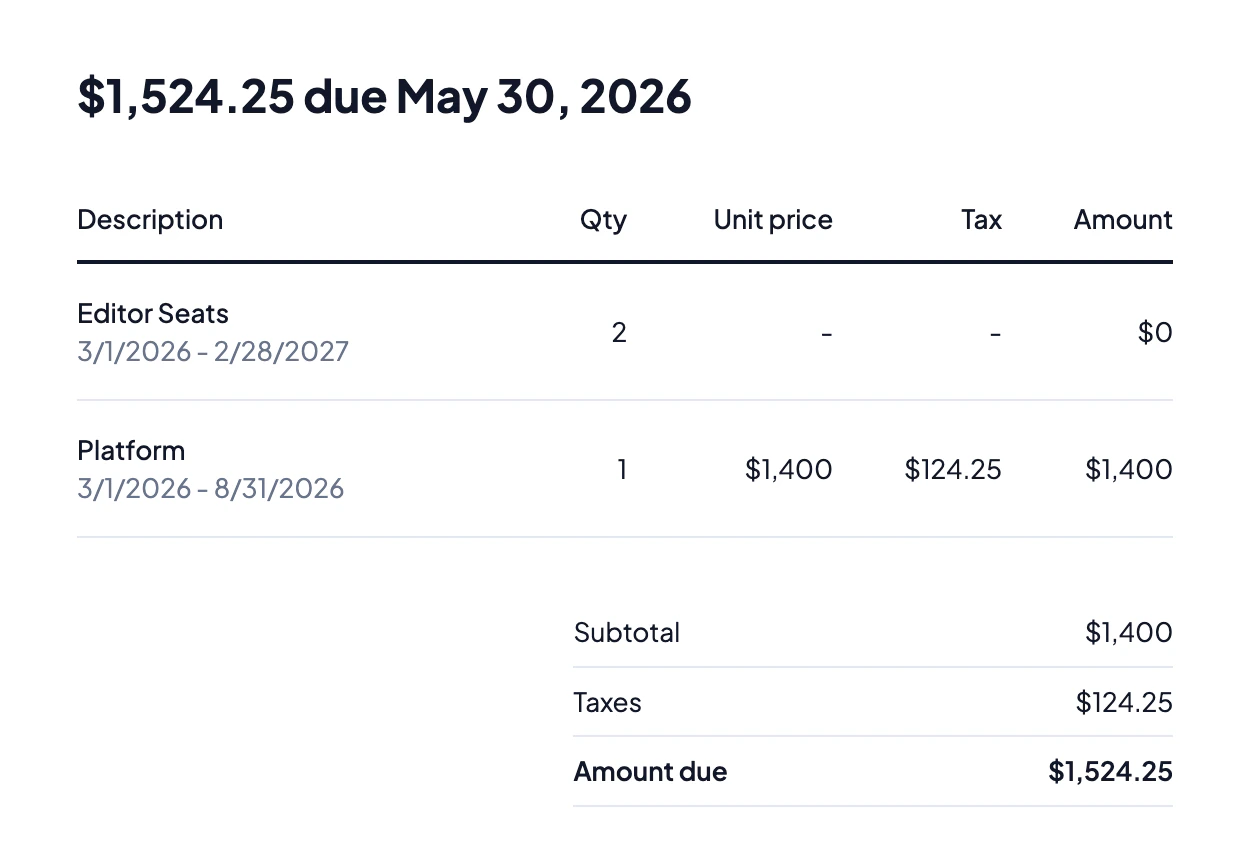
When approving a contract, each invoice line will display a tax amount.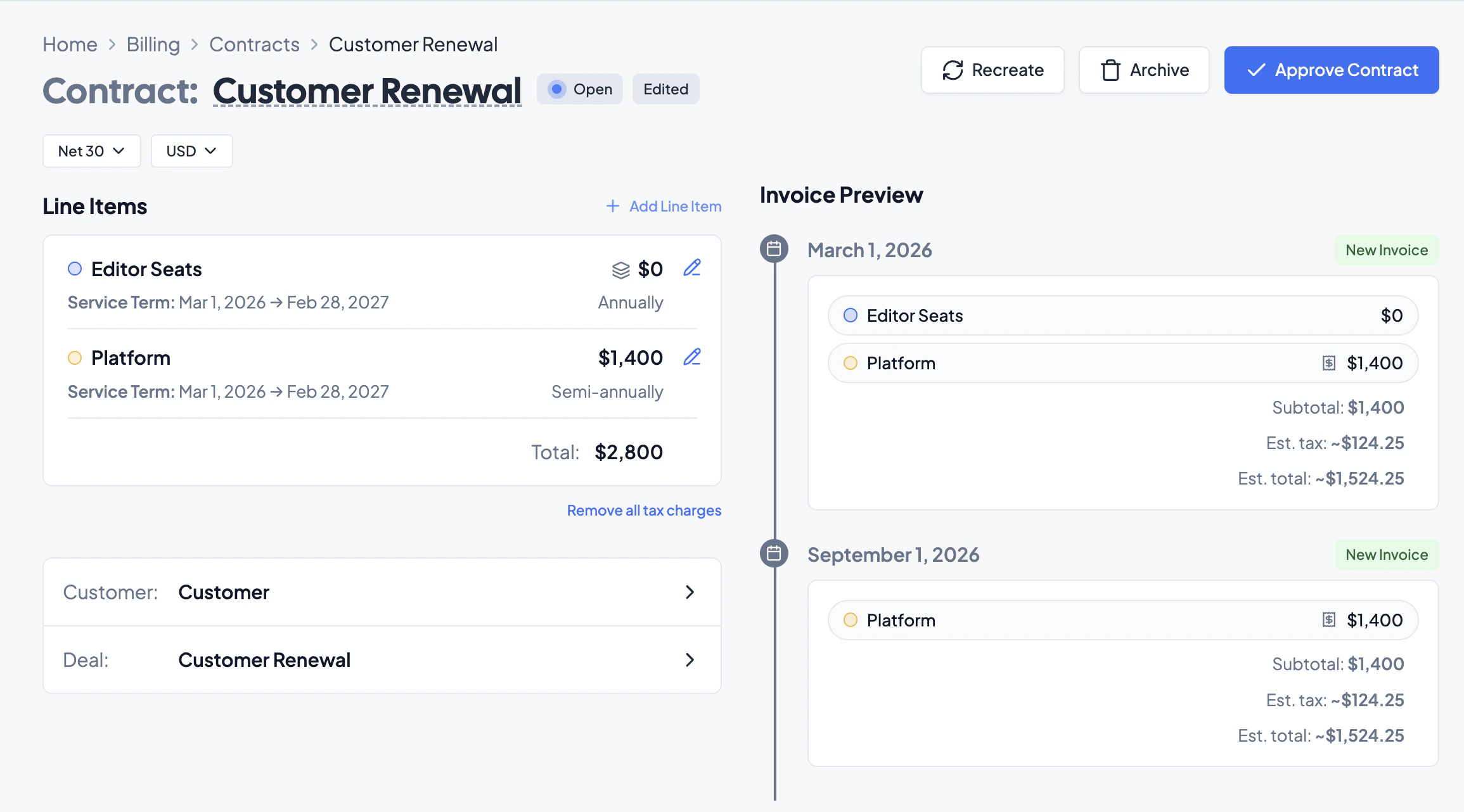
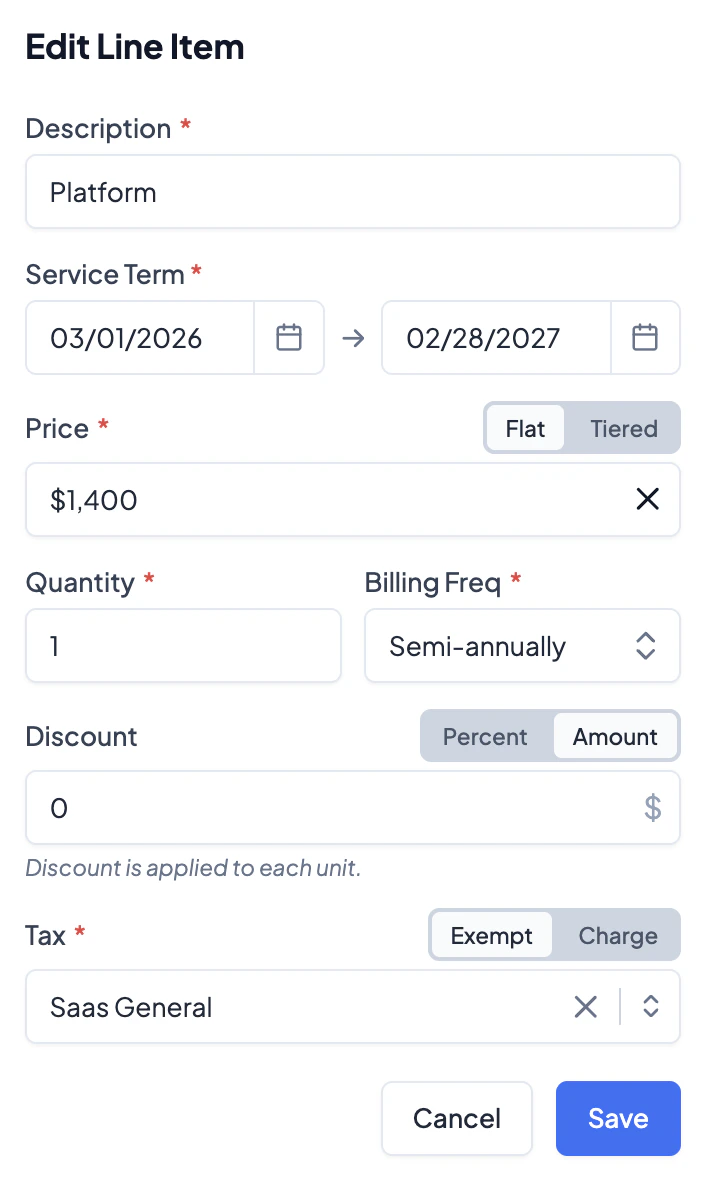
Editing the Tax Category Per Line
If taxes are enabled on invoices, every line item must be assigned a tax category. Available categories are generated from Numeral and have different allocations specified. To edit the category for a particular line item, click the pen icon and adjust the Tax category. In the selection toggle, choose from:- Exempt — the line item will not have a tax specified in the invoice and will not be charged to the customer.
- Charge — the line item has a tax allocation and will be charged to the customer.
Transaction Recording
A paid invoice, when Record transactions is enabled, is logged as a Transaction in Numeral, enabling access to associated Numeral features.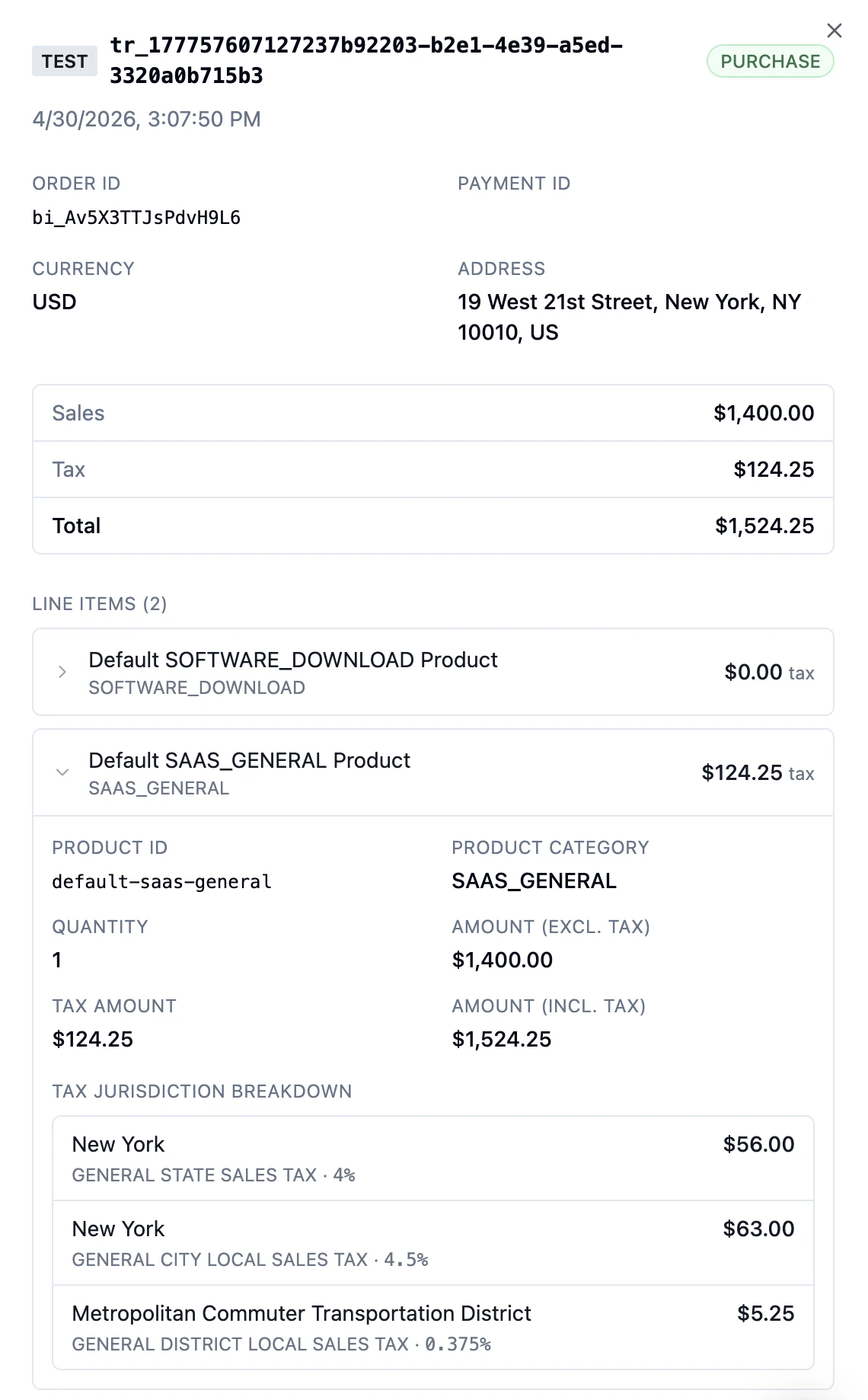
Address Requirements
Valid addresses are mandatory for tax calculation, as they are required for correct tax allocation within Numeral. Invalid addresses are flagged and can result in incorrect records.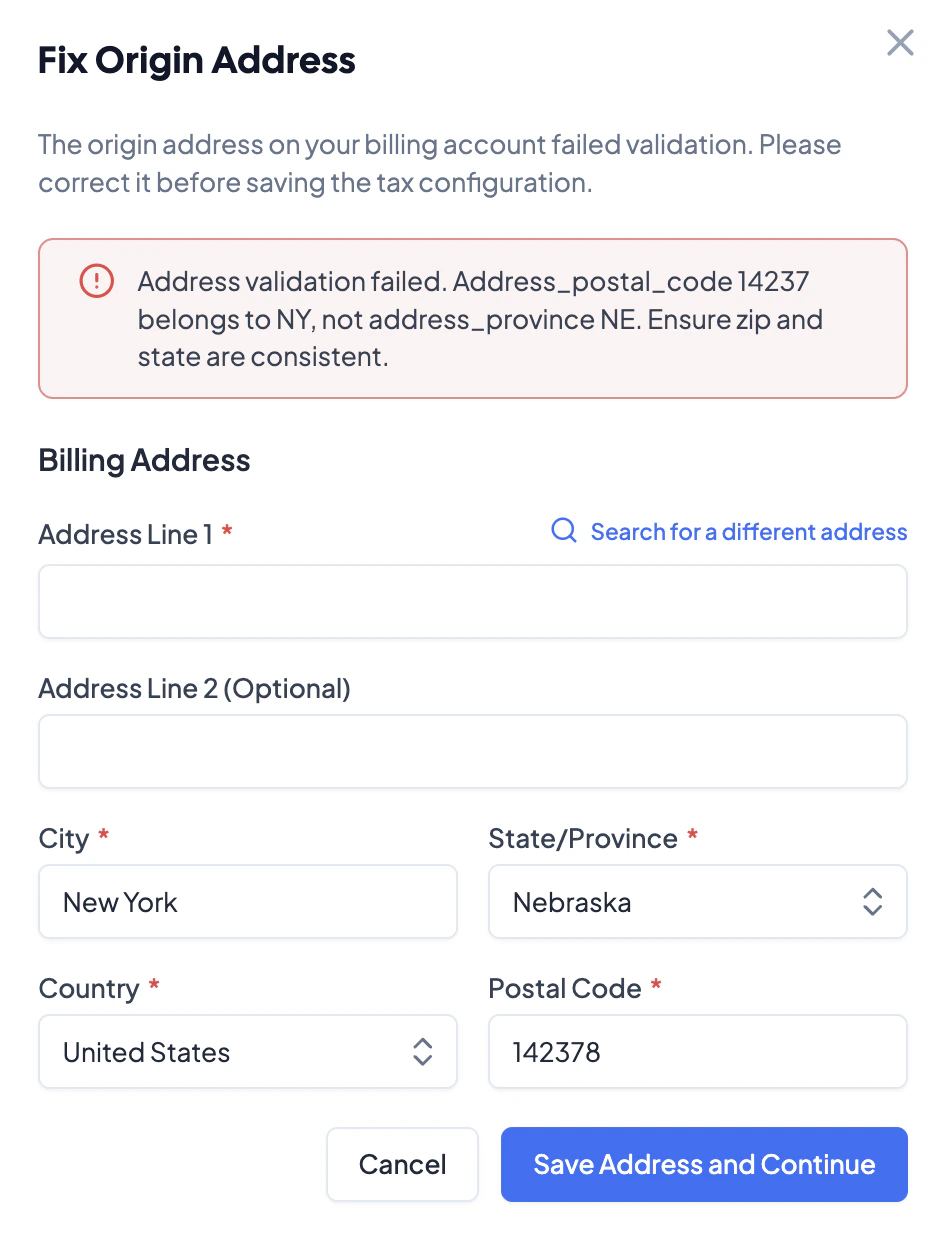
Timing and Existing Contracts
It is strongly recommended to configure the tax integration prior to approving contracts to ensure all tax rules are correctly applied.- Contracts approved before the integration rules are configured will not inherit any integration rules.
- If taxes are enabled while approved contracts with recurring invoices exist, the line items for those invoices will have their tax categories set to Exempt — any change will need to be made manually.