

- Automatic tax calculation on AR Invoices, Sales Orders, SO Invoices, and Credit Memos
- Payment tracking — when a payment closes an invoice, Numeral is notified so the transaction is recorded
- Product catalog sync — inventory items are synced to Numeral for accurate tax classification
Prerequisites
- Acumatica ERP 2020 R2 or later
- Administrator access to the Acumatica instance
- A Numeral account with an API key (available in the Numeral dashboard)
Installation
Step 1: Begin connection from Numeral dashboard to Acumatica
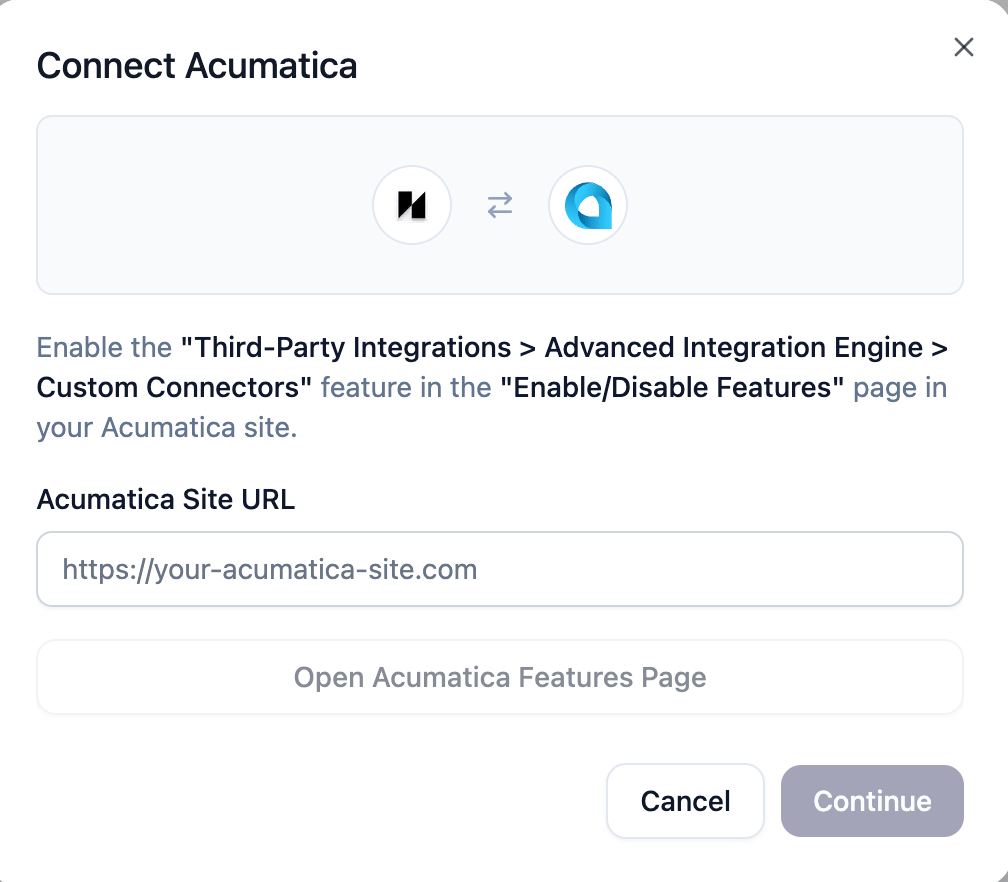
Start the connection from the Numeral dashboard. This wizard walks you through enabling the required Acumatica feature, installing the Numeral plugin, and generating your API key. 1a. In the Numeral dashboard, open the Acumatica connection flow. Enter your Acumatica Site URL (e.g.https://your-site.acumatica.com). Click Open Acumatica Features Page to open the correct page in your Acumatica site, then enable the “Third-Party Integrations > Advanced Integration Engine > Custom Connectors” feature under Enable/Disable Features. Click Continue when done.
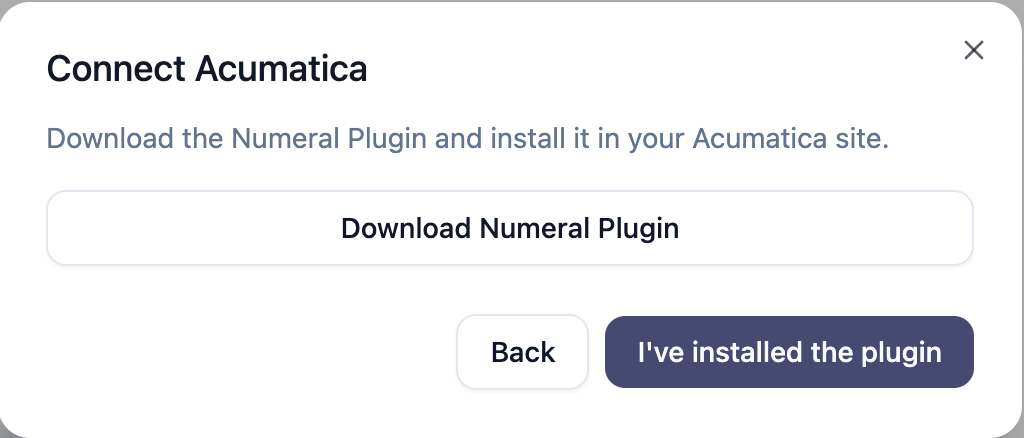
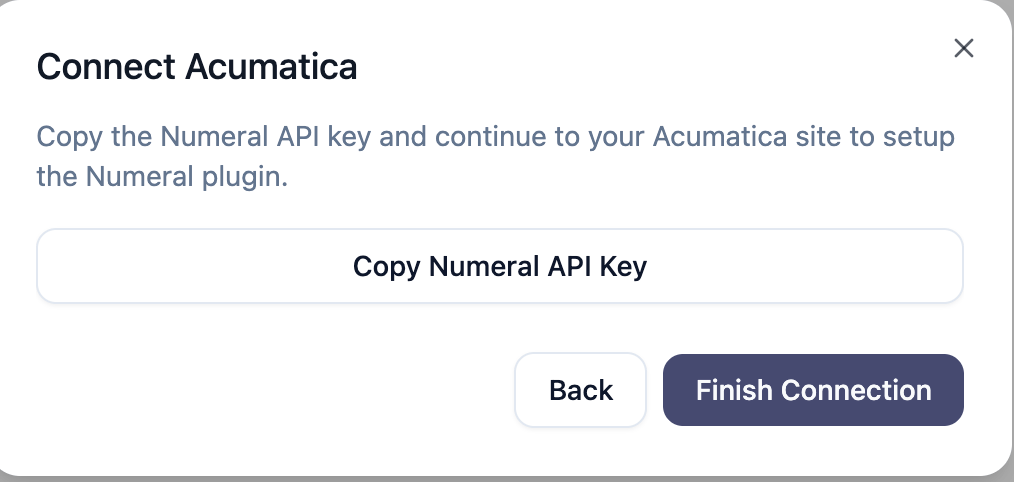
acumatica_prod. Store it somewhere safe; you will need it in Step 3. Click Finish Connection.
Step 2: Import and publish the customization package
- Log in to Acumatica as an administrator
- Navigate to Customization Projects (
SM204505) - Click Import and upload
numeral-plugin-{version}.zip - Select the NumeralConnector project and click Publish
- Wait for publishing to complete — Acumatica restarts automatically
Step 3: Configure the tax plugin
- Navigate to Tax Providers (
TX102000) - Enter
NUMERALas the Provider ID - In the Plugin Type field, enter:
NumeralConnector.TaxProvider.NumeralTaxProvider, NumeralConnector - Set the Default Tax Calculation Mode to
Net - Go to the Settings tab and configure:
- API URL:
https://acumatica-integration.numeralhq.com - API Key: The API key you copied in Step 1 (prefixed with
acumatica_prod) - Sync Products on Test Connection: Enable to sync inventory items when testing the connection
- API URL:
- Go to the Companies tab and add a row:
- Select your Branch from the dropdown
- Enter any value for Company Code (e.g.
DEFAULT) — Numeral identifies clients by API key, not company code, but Acumatica requires this mapping
- Click Test Connection to verify credentials
- Click Save
Step 4: Create an external tax zone
- Navigate to Tax Zones (
TX206000) - Create a new tax zone (e.g. ID:
NUMERAL) - Check Is External Tax Provider
- Set Tax Plugin to
NUMERAL - Set a Tax Agency ID vendor (any active vendor marked as a tax agency, or create a new one if one does not exist)
- Set a Tax Payable Account (any active liability account)
- Click Save
Step 5: Assign the tax zone
Set theNUMERAL tax zone on your customers so it’s used automatically on new documents:
- Customer level: Customers (
AR303000) → Shipping tab → Default Tax Zone - Branch level (global fallback): Branches (
CS102000) → Default Tax Zone
Configuration Reference
The setup screen (NM101000) exposes the following fields:
Export Historical Invoices to CSV
On the Tax Plugins screen, an Export Historical Invoices to CSV action button appears in the row toolbar when the Numeral plugin is selected. Clicking it generates a downloadable.csv file containing all released AR invoices (both direct AR invoices and invoices originating from Sales Orders), formatted to Numeral’s Standard Manual Line Upload format.
When to use: Run this once during initial setup to back-fill Numeral with your transaction history before going live with real-time tax calculation.
Non-Taxable Line Item Exclusion
The connector handles documents that contain a mix of taxable and non-taxable line items — for example, taxable goods alongside non-taxable packaging or services. Line items with a blank orEXEMPT Tax Category ID are excluded from the Numeral API request and automatically assigned $0 tax. Tax is calculated only against eligible line items, and any rounding remainder is absorbed by the last taxable line.
No configuration is needed — this behavior is automatic.
Troubleshooting
API calls failing
API calls failing
Use the Test Connection button to verify your credentials. Confirm the API URL is correct and reachable from the server, and that the server firewall allows outbound HTTPS traffic.
Tax not appearing on invoices
Tax not appearing on invoices
Verify the following all exist:
NUMERALTax Zone (TX206000)NUMERALTax (TX205000)NUMERALTax Category (TX205500)
Invoices not recalculating tax
Invoices not recalculating tax
Tax is only recalculated when the invoice balance changes. If the balance hasn’t changed, the connector skips processing to avoid duplicate API calls. To force recalculation, modify a line item amount and save again.
Plugin won't publish
Plugin won't publish
Confirm you’re on Acumatica 2020 R2 or later. Older builds do not include the tax plugin extensibility points the project depends on.
Tax Exemption Certificates
To request a tax exemption certificate for a customer, navigate to the Customer Profile screen in Acumatica. View demoUninstallation
- Navigate to Customization Projects (
SM204505) - Select the NumeralConnector project
- Click Unpublish to remove the deployed files and site map entry
- Optionally delete the project from the list