

The marketplaces are the checkout, so the tax on these orders is set by the marketplace (or by ChannelEngine), not by Numeral. Numeral does not calculate tax on ChannelEngine orders. It records the orders and the tax that was charged on them.
Before you start
- A Numeral account at dashboard.numeralhq.com
- Access to Settings → Merchant API keys in ChannelEngine, so you can create an API key
- Your ChannelEngine tenant: the first part of the address you sign in at. For
https://acme.channelengine.net, the tenant isacme.
Step 1: Create a Merchant API key in ChannelEngine
- Sign in to ChannelEngine.
- Go to Settings → Merchant API keys.
- Create a new key, and copy it somewhere safe for the next step.
Step 2: Connect ChannelEngine in Numeral
- In Numeral, go to Connections and click Add connection.
- Search for ChannelEngine and select it.
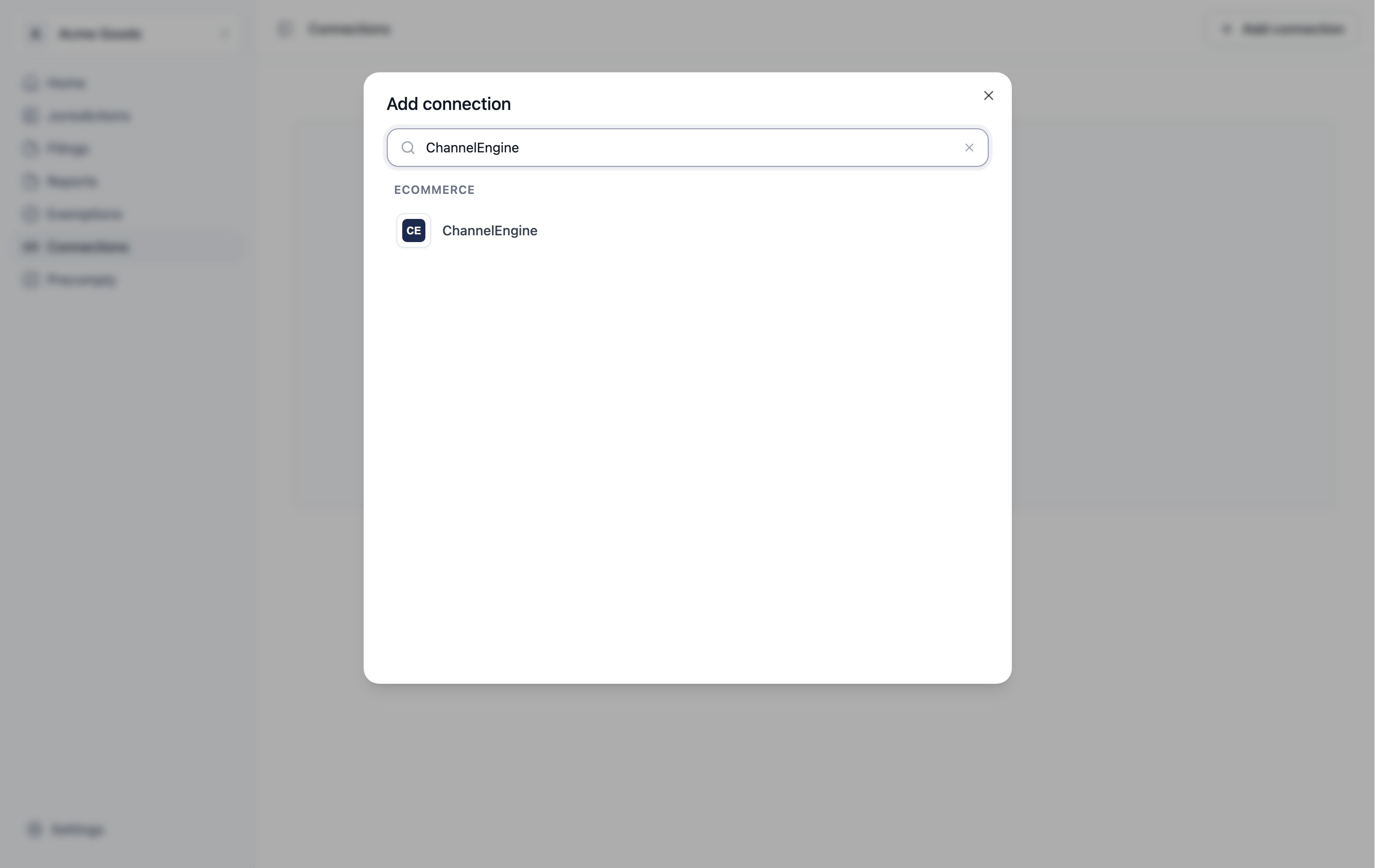
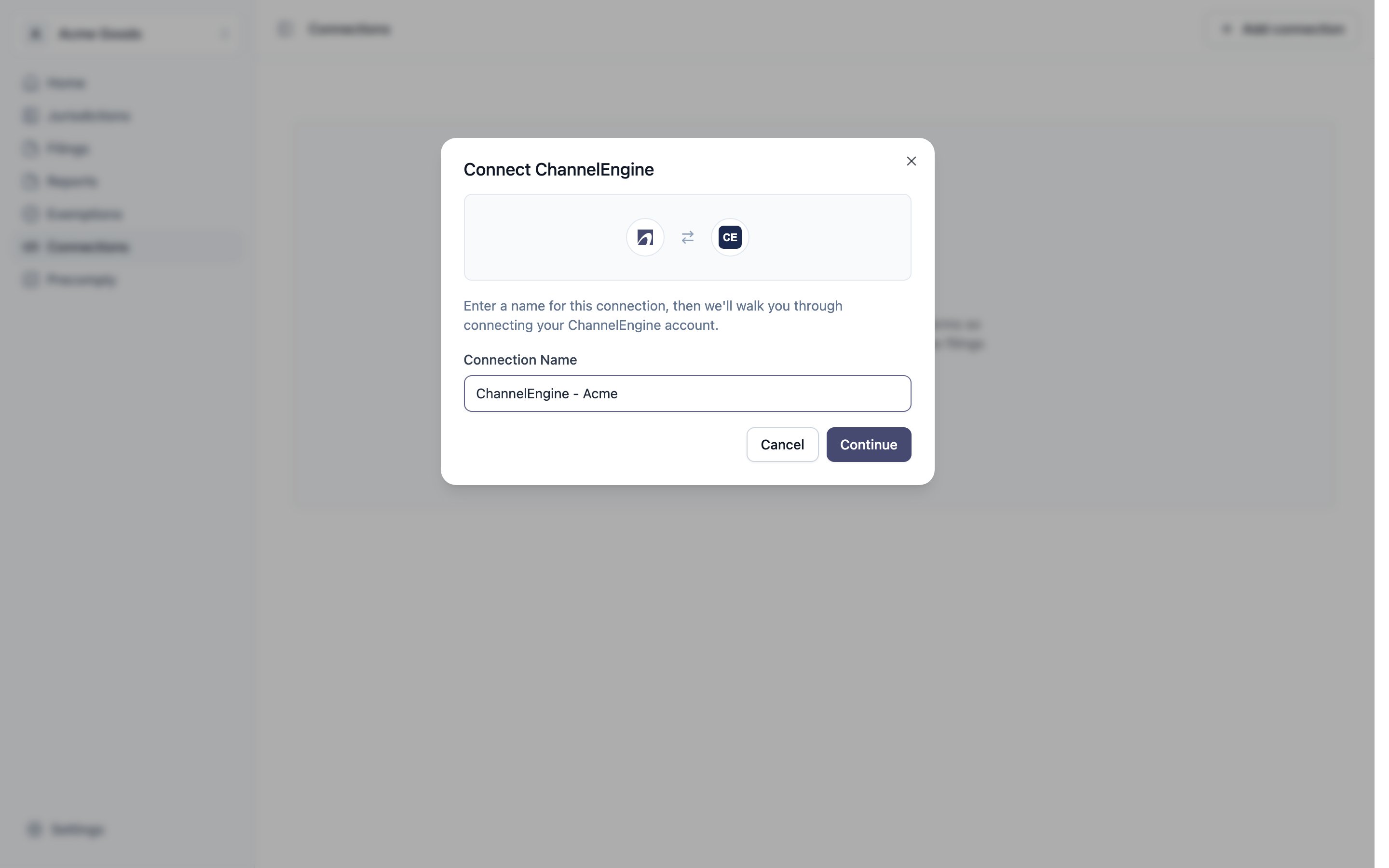
- Enter a Connection Name that helps you recognize this account later, then click Continue.
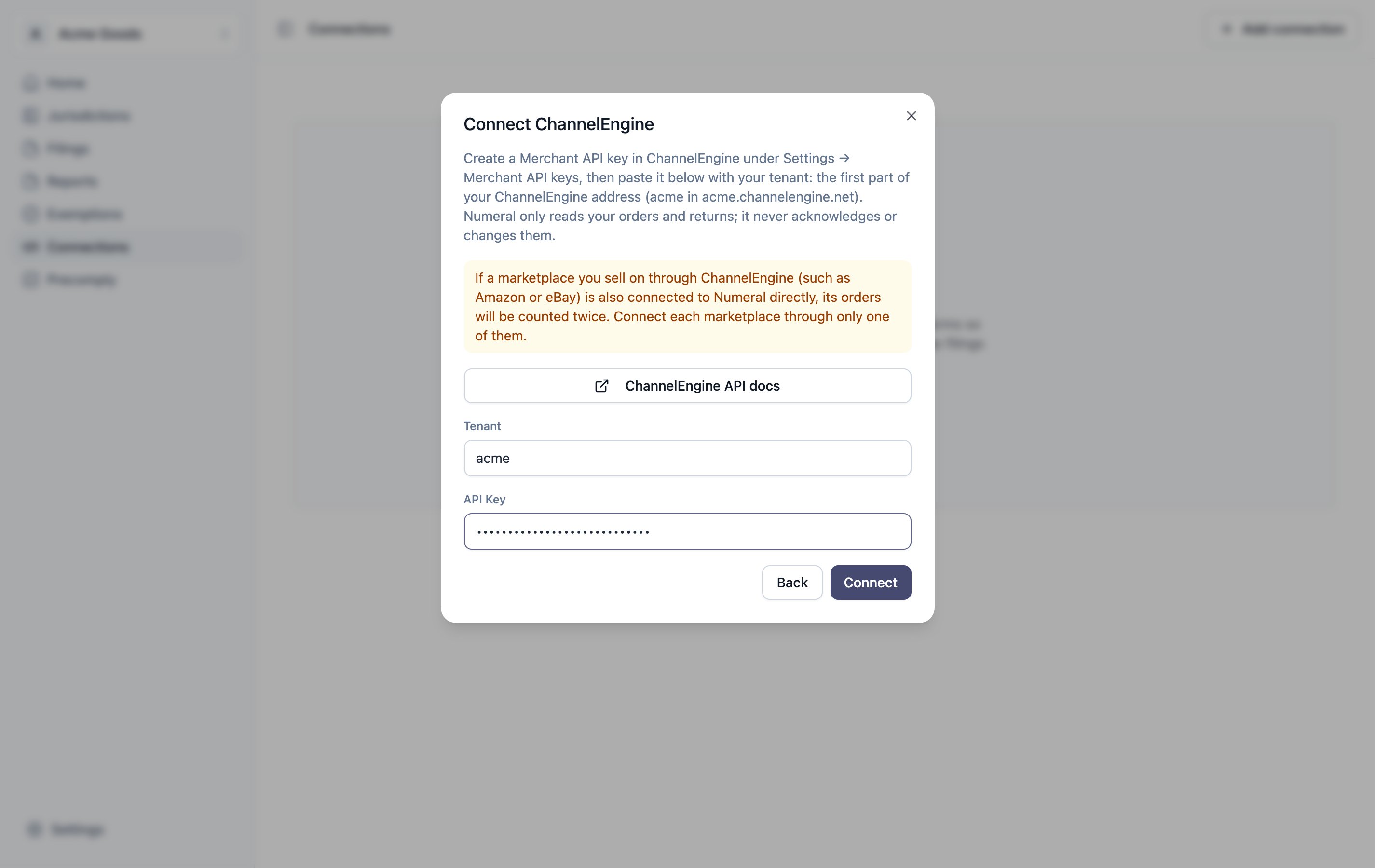
- Enter your Tenant and paste the API Key from Step 1. You can enter the tenant as
acme,acme.channelengine.net, or the full address you sign in at. Numeral keeps the tenant part. - Click Connect. Numeral checks the key with ChannelEngine before it saves anything.
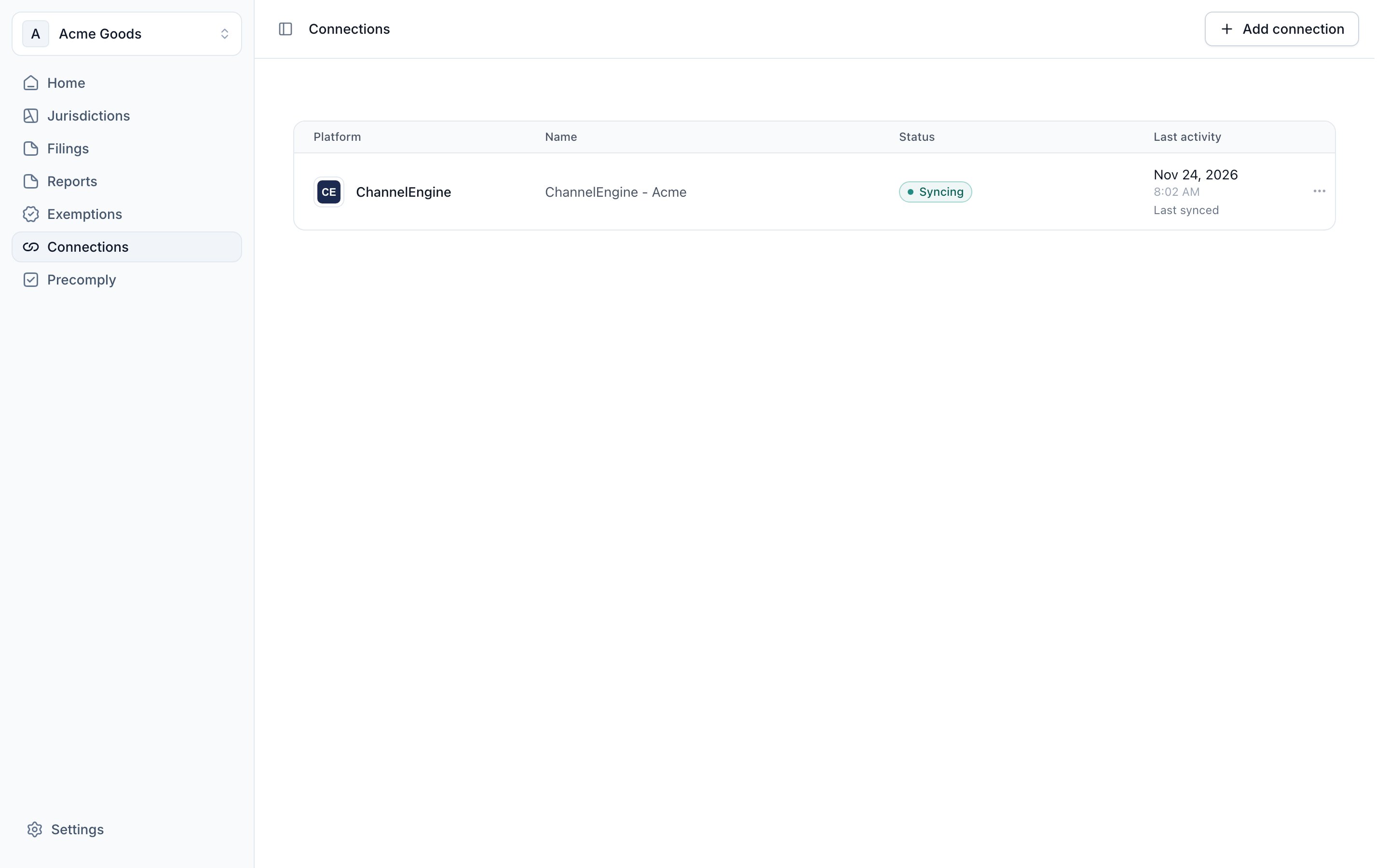
You are back on the Connections page, and your ChannelEngine connection shows as Syncing. Numeral has started importing your order history.
How the integration works
Initial import. When you connect, Numeral imports your ChannelEngine order history, starting from the beginning of the year of your earliest order, along with your returns. For an account with a long order history this can take several hours. The connection shows Syncing while it runs. Ongoing updates. After the initial import, Numeral checks ChannelEngine for new and updated orders and returns every hour. Orders. Each ChannelEngine order becomes a transaction in Numeral, with its line items and its shipping charge, in the order’s currency and dated by the order date.- Canceled orders and canceled lines are excluded.
- Orders awaiting payment are not counted as paid until they are paid.
- ChannelEngine test orders are excluded.
- the Amazon order line says the marketplace collects the tax
- the eBay order says eBay collects and remits the tax
- the order comes from a US marketplace channel such as Amazon, eBay, Etsy, Walmart, or TikTok Shop
Product categorization
Product categories in ChannelEngine do not carry over to Numeral. Categories are set up directly in your Numeral account. During onboarding, your Onboarding Manager will help set up initial product categories in Numeral and show you how to manage them going forward.Troubleshooting
"ChannelEngine did not accept this API key for this tenant"
"ChannelEngine did not accept this API key for this tenant"
ChannelEngine rejected the key for the tenant you entered. Check that:
- The tenant is the first part of the address you sign in at (
acmeforacme.channelengine.net). - The key is a Merchant API key from that same tenant, copied in full.
- The key has not been deleted in ChannelEngine.
"Couldn't reach ChannelEngine. Please try again."
"Couldn't reach ChannelEngine. Please try again."
ChannelEngine did not respond, so Numeral could not check the key. Nothing was saved. Wait a few minutes and click Connect again.
"The connection ... is for the ChannelEngine tenant ..."
"The connection ... is for the ChannelEngine tenant ..."
A connection with that name already exists for a different tenant. Use a different connection name to add another ChannelEngine account.
"Enter your tenant: acme in acme.channelengine.net."
"Enter your tenant: acme in acme.channelengine.net."
What was entered in Tenant is not a ChannelEngine address. Enter only the tenant (
acme), or an address that ends in .channelengine.net.My connection shows Not syncing
My connection shows Not syncing
The import stopped, most often because the API key was deleted or replaced in ChannelEngine. Create a new Merchant API key (Step 1), then follow Step 2 again using the same connection name and tenant with the new key. Numeral updates the existing connection rather than creating a second one, and the import picks up where it stopped.
Marketplace sales are counted twice
Marketplace sales are counted twice
The marketplace is connected to Numeral both directly and through ChannelEngine. Disconnect one of them on the Connections page, then contact support about the sales that were already imported twice.
An order is missing tax
An order is missing tax
Check ChannelEngine’s VAT calculation method for that order. Numeral records tax only when ChannelEngine passes through the marketplace’s own tax amounts (No calculation). See How the integration works.
How do I disconnect ChannelEngine?
How do I disconnect ChannelEngine?
On the Numeral Connections page, open the menu on the ChannelEngine connection and click Disconnect. Numeral stops importing new orders. Orders already imported stay in your filing history. To revoke Numeral’s access completely, also delete its Merchant API key in ChannelEngine.